Blog
What's New at Pippen AI
Stay up to date with Pippen — features, hacks, updates, tech, and tips for Canadian family doctors.
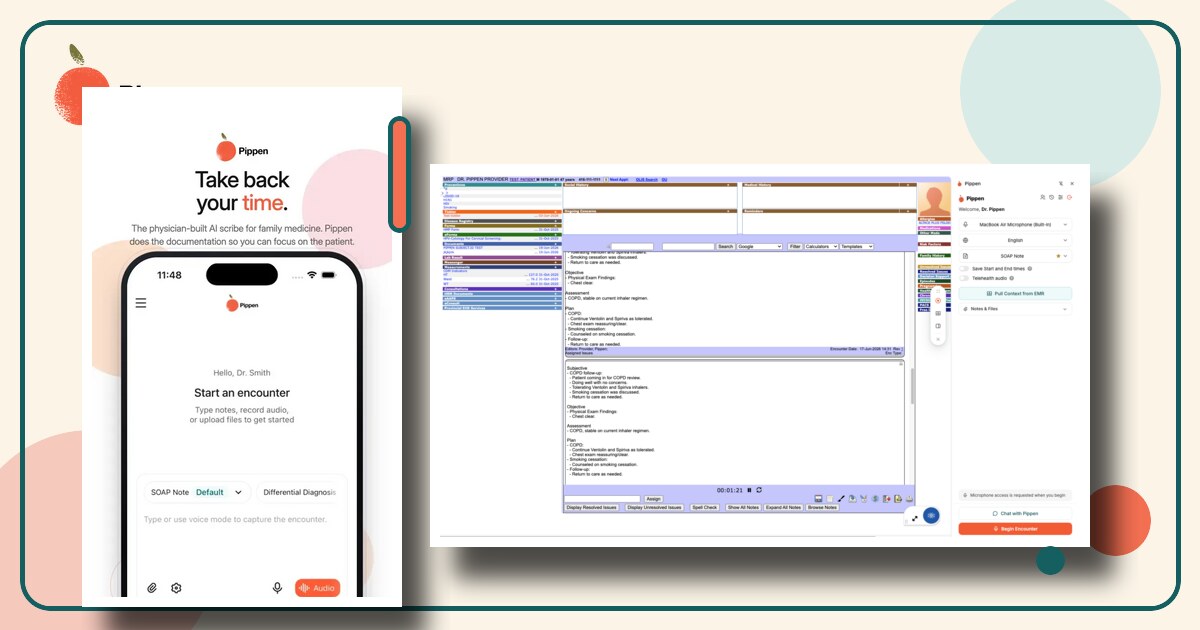
Pippen Product Updates: Mobile Apps, Chrome Extension Improvements, and an Upgraded Model
Watch the Pippen product updates webinar or read the full recap covering the new iPhone and Android apps, Chrome extension improvements, PS Suite workflows, document uploads, and Pippen's upgraded model.
 Workflows
How to Update Your Pippen Subscription and Payment Method
Learn how to review or update your Pippen subscription, switch between monthly and yearly billing, and add a payment method.
 Workflows
Getting Started with Pippen: Your 5-Minute Onboarding Guide
Watch a five-minute Pippen demo, choose a microphone for clearer clinical conversations, and download practical patient-consent resources for your clinic.
 Mini How-To
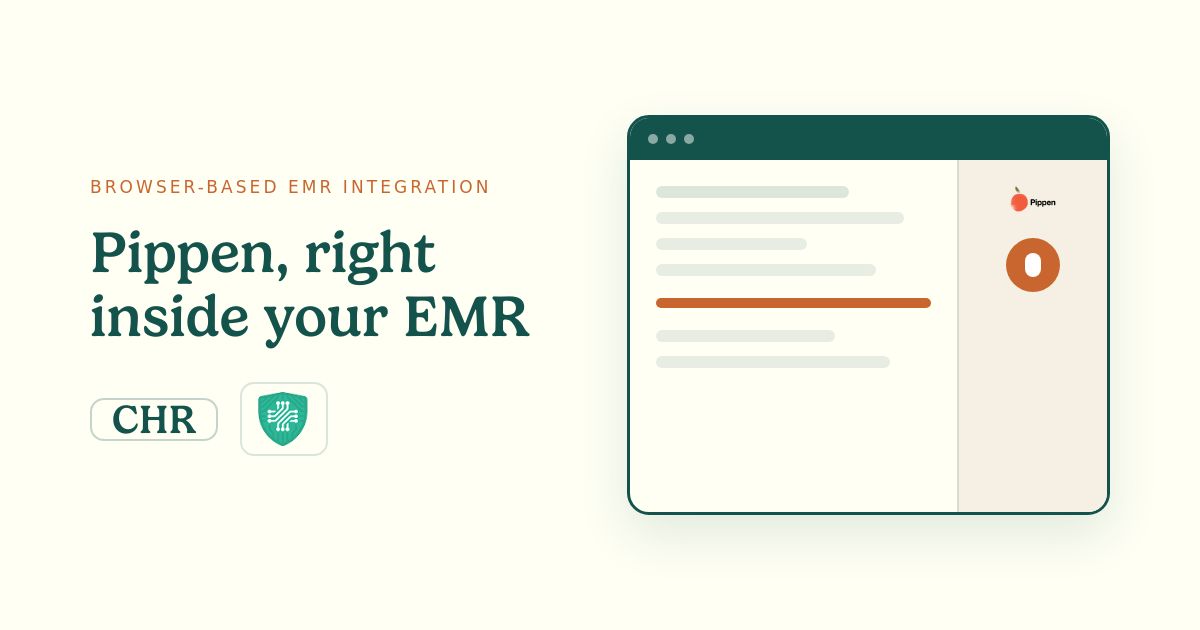
Browser-Based EMR Integration: Using Pippen Inside Oscar Pro, CHR, and Other Browser-Based EMRs
A practical walkthrough of Pippen's updated Chrome extension for browser-based EMRs such as Oscar Pro and CHR — launch Pippen inside the EMR, record an encounter, pull chart context, generate a note, and transfer it back with a single click.
 Mini How-To
Headset Support for All Virtual Telehealth Platforms
Dear Pippen Community, We’re excited to share a new update this week: Virtual Visits & Headset Integration Pippen now supports virtual visits across all telehealth platforms, while you are using your headset. Watch our 3-minute video demo: To get started, simply enable the Telehealth Audio toggle...
- News
Pippen Updates: Billing Codes, Companion App & Webinars
Dear Pippen Community, Two product updates for you this week: 1. Updated Diagnostic and Billing Codes We’ve updated Pippen’s diagnostic and billing code suggestions to reflect FHO+ and the new Ontario billing changes. This helps ensure Pippen’s billing suggestions stay up to date with the latest...
 Mini How-To
Webinar Series: Top Tips for Getting More Out of Pippen
In this week’s webinar, we shared some of the most common tips we give clinicians who want to get better results from Pippen. These are practical things we’ve noticed after working with family doctors using Pippen in real clinics. Some are simple setup changes. Others are small workflow habits th...
 Mini How-To
Webinar Series: 3 Practical Ways Family Doctors Are Using Pippen
In our latest webinar, we shared three ways physicians can use Pippen’s new encounter experience — for new patient intake, referrals, and post-hospital follow-ups. The session focused on something we hear every day from physicians: charting is only part of the problem. The bigger challenge is eve...
- News
Product Update: The New Pippen Encounter Experience
Dear Pippen Community, We’re excited to share Pippen’s new encounter experience: a cleaner, easier-to-navigate workspace that brings AI scribing, document upload, clinical context, and Chat with Pippen into one place. You can now type information, dictate by voice, upload documents, or start an A...
 Mini How-To
Webinar Series: A First Look at the New Pippen Encounter Experience
In this week’s webinar, we previewed the new Pippen encounter experience, including the refreshed design, updated recording workflow, new ways to add clinical context, and improvements to Chat with Pippen. Refreshed Encounter Experience The new design is cleaner and easier to navigate while keepi...
 FAQ
FAQTemplate Library FAQ
Getting Started What is the Template Library? The Template Library is a collection of ready-to-use documentation templates designed to help you create high-quality clinical notes faster. Instead of starting from scratch, you can import a template that matches your workflow and let Pippen generate...
 Mini How-To
Pippen Launches Headset Support
We’re excited to announce a major update to Pippen: full support for headsets during patient visits. Whether you’re seeing patients in person, online, or over the phone, Pippen adapts to how you work. Why This Update Matters Care today happens across in-person visits, telehealth, and phone calls,...
 Mini How-To
Webinar Series: Pippen Companion App Integration with PS Suite
Weekly Webinar – April 24, 2026: Integrating the Pippen Companion App with PS Suite This webinar shows a live demo of how the Pippen Companion App integrates with PS Suite and fits into real clinical workflows. It walks through a simple setup process and shows how the tool can be launched directl...
 Mini How-To
How Pippen Companion Integrates Seamlessly with TELUS PS Suite EMR
Navigating between applications in primary care can be tricky and time-consuming. Doctors shouldn’t have to navigate between a million windows to their work. That’s exactly why we built the Pippen Companion App—integrating Pippen with Telus PS Suite to streamline your workflow from start to finis...
 Mini How-To
Webinar Series: How to Edit Templates
Weekly Webinar – April 17, 2026: How to Edit Templates This webinar covers all the basics of How to Edit Templates from start to finish using an example on Pippen. AJ imports an existing stamp from his TELUS PS Suite EMR into Pippen, which seamlessly converts it into a Pippen template. It works w...
- News
Pippen AI Founder Update April 16
Dear Pippen Community, Two exciting updates for you: 1. Lightning Speed: We just made a massive update to ensure that the model generates your notes as quickly as possible. We think you’ll be impressed by how fast Pippen is now! This applies across all the workflows, including charting, referrals...
 Mini How-To
PS Suite Integration Instructions
Pippen’s TELUS PS Suite integration allows Pippen to work seamlessly alongside your EMR, helping you spend less time on manual work and more time seeing patients.To ensure the integration works properly, there are two required components: Both components must be installed and set up for the integ...
 News
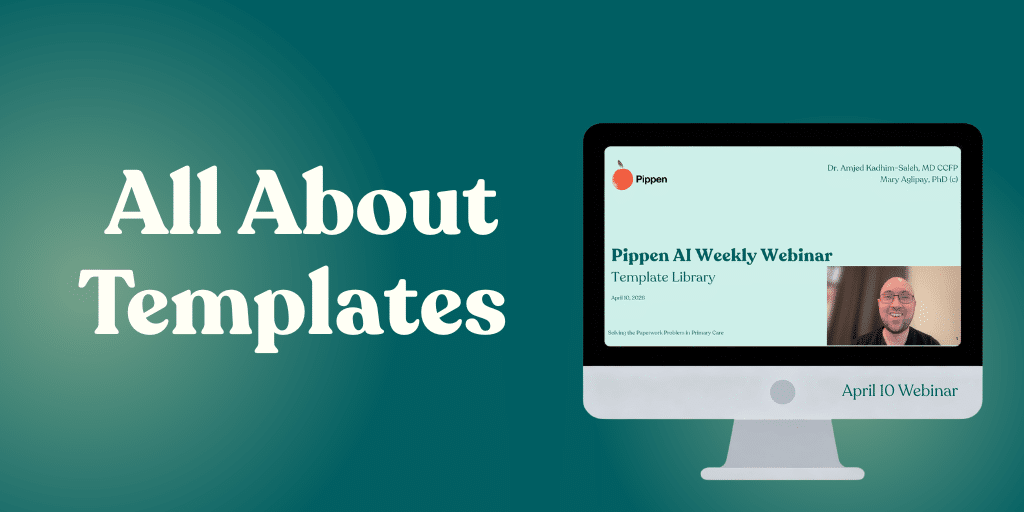
NewsWelcome to our new webinar series!
Weekly Webinar – April 10, 2026: Templates This webinar covers all the basics of getting started with the new template library in Pippen, including: 👉 Register here to join our next weekly webinar!!
 Mini How-To
How to Edit a Template in Pippen
Custom templates are one of the fastest ways to save time on Pippen. Instead of fixing every note after it’s created, you can adjust the template once and let Pippen do it your way every time. You might want your notes to be shorter, use your usual abbreviations, or follow a slightly different fo...
 Mini How-To
How to Share Templates with Your Team on Pippen
One of the fastest ways to save time in your clinic is getting everyone on your team to document the same way. With Pippen, you can create a template once and share it across your clinic so your team captures information consistently—every time. A Simple Example: MOA Template In a typical clinic...
- News
Pippen AI Founder Update April 9
Dear Pippen Community, Last week, we released our Template Library! Today, we are sharing how you can edit a template to customize further with your specific style or documentation needs. Here is a short walkthrough video on How to Edit a Template Editing templates in Pippen is simple: That’s it!...
 News
NewsIntroducing Pippen’s Weekly Webinars!
Template Library: Best Practices with Pippen Exciting news—Pippen will be hosting weekly webinars to help you get more out of your workflow. Our first session will take place on April 10 at 12pm. We will focus on the Template Library, where we’ll show you how to access and import “My Templates,”...
 News
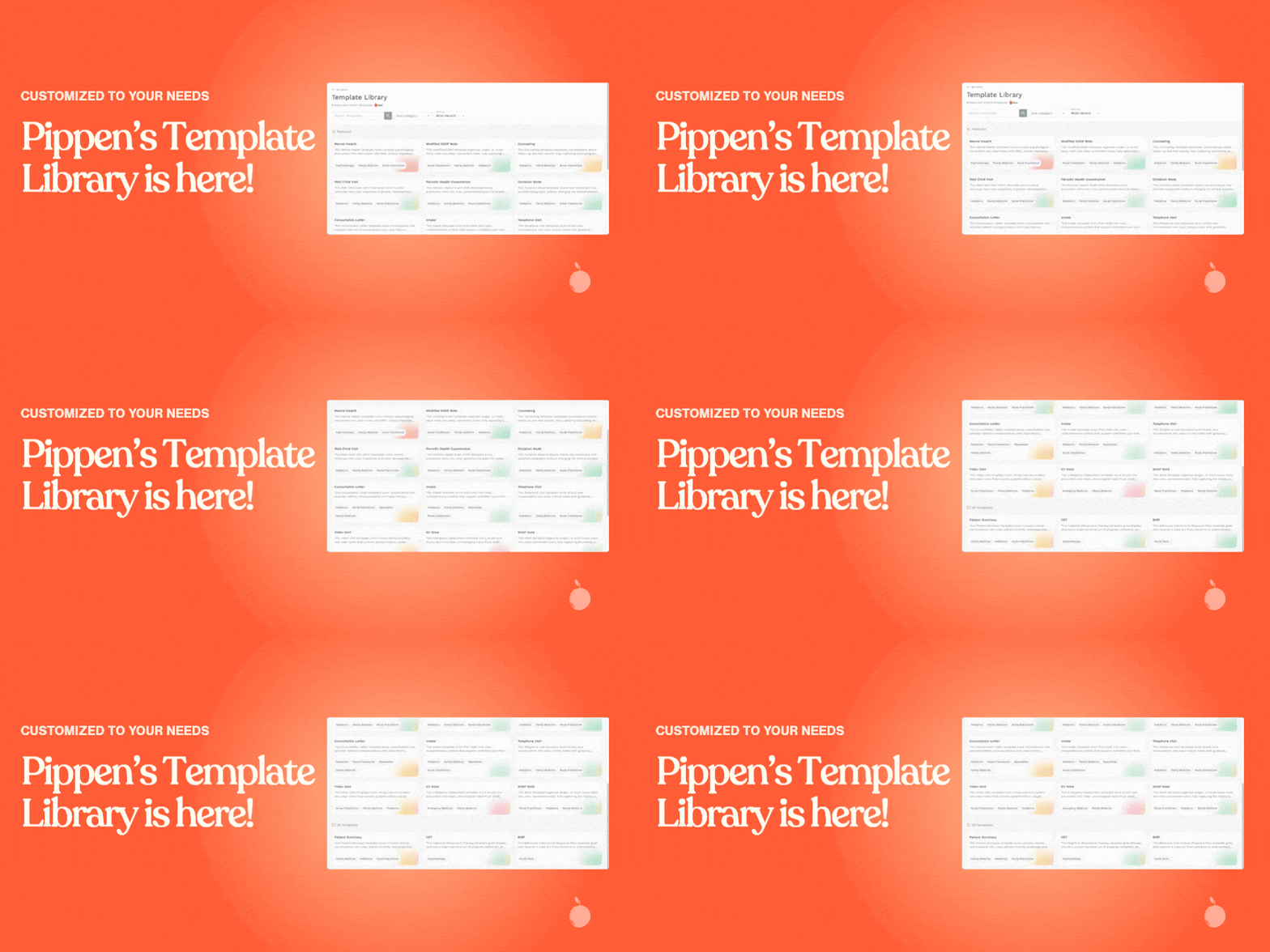
NewsPippen’s Template Library is here!
Dear Pippen Community, We are very excited to share our latest release: the Pippen Template Library, along with a major overhaul of our Customizations tab. This has been one of our most requested—and most impactful—updates yet. The goal of this release is simple: to give you templates that work o...
 Workflows
Template Tags
As part of Pippen’s latest update, templates in the Customizations tab are now organized using different tags to help you quickly understand how they fit into your workflow. These tags are designed to make template management clearer—showing you where each template comes from, how it’s meant to b...
 News
NewsBuilding Connected Care in Canada: The Promise of Bill S-5
Imagine a healthcare system where your medical history follows you instantly—no faxes, no delays, no missing information. That’s the future Bill S-5, the Connected Care for Canadians Act, is trying to build. Introduced in 2026, the legislation aims to create a more connected, digital system where...
 Mini How-To
Billing, Made Simple: A Smarter Way to Bill with Pippen
Billing is a core part of family medicine—but it can be frustrating when codes are hard to remember, or when you have to stop and search through billing guides or PDFs. This is especially true if you’re new to billing or working across different visit types. Pippen brings billing into the flow of...
 News
NewsReshape Primary Care in Canada
Three Changes That Could Reshape Primary Care in Canada Primary care in Canada is under pressure. Demand for primary care is growing across Canada. Clinics are working to keep up, while physicians are spending more time on administrative work than on patient care At the same time, three policy de...
- News
Pippen AI Founder Update March 13
Dear Pippen Community, Thank you for your continued partnership and feedback. Last week, we released Pippen’s new model with major improvements in reasoning, referrals, clinical insights, and form completion. We’re encouraged by the progress, and we’ve also heard an important piece of feedback: i...
- News
Pippen AI Founder Update March 6
Dear Pippen Community, Pippen’s new AI model now includes stronger reasoning capabilities! It understands context better and as a result produces more accurate, consistent notes. Here are 10 ways you’ll see the difference: 1. Automatic multi-patient notes – Pippen now generates separate notes whe...
 Tutorials
Installing the Pippen Companion App on Windows
The Pippen Companion App allows you to use Pippen without ever leaving your EMR interface, meaning fewer clicks, less navigation, and less toggling. Here are the steps below to install and set it up properly. (Using Mac? View the Mac installation guide here) Step 1: Download the App Click on the...
 Tutorials
Installing the Pippen AI Toolbar in Telus PS Suite
The Pippen toolbar allows for seamless integration between Pippen and Telus PS Suite, allowing you to use Pippen without ever leaving your EMR! This is a guide on how to install the toolbar into Telus PS Suite. Step 1: Downloads First you need to download the toolbar and reminder files here (clic...
 Tutorials
Installing the Pippen Companion App on Mac
No matter which EMR you use, the Pippen Companion App allows you to use Pippen without ever navigating away from your EMR (fewer clicks! Less toggling between windows!). Here are the steps below to install and set it up properly. (Using Windows? View the Windows installation guide here) Step 1: C...
 Tutorials
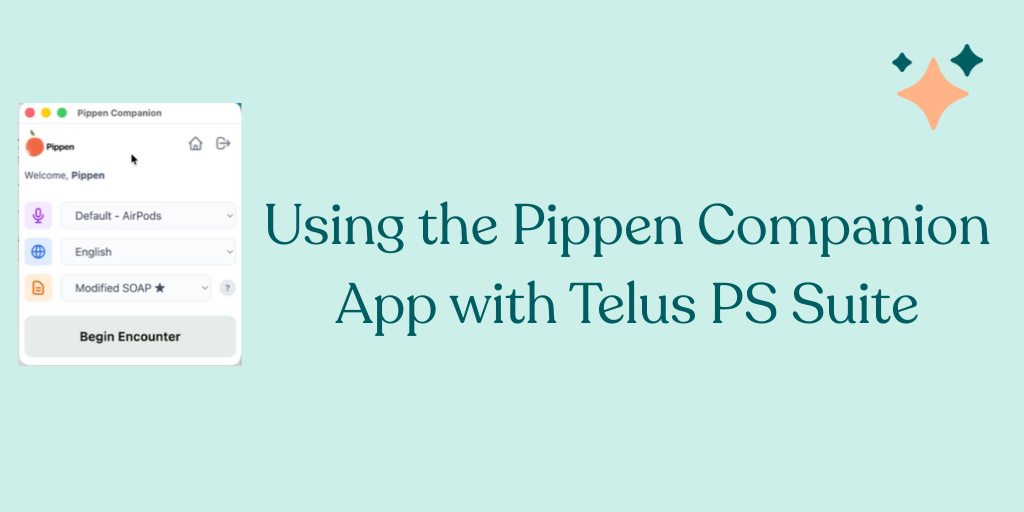
Pippen’s Integration with Telus PS Suite EMR
We are excited to introduce the Pippen Companion app and demonstrate how it integrates seamlessly with PS Suite EMR. Here’s a quick overview of how to use the Pippen Companion app with PS Suite. Getting Started Main Screen Basics Pippen takes up minimal screen space so you can continue working in...
- News
Pippen AI Founder Update February 2
Dear Pippen Community, A quick update for you: Enhancing PDF Upload functionality: Pippen can now review PDF files up to 100 pages long! What does this mean for you? It means that you can do even more with Pippen, including reviewing previous medical records and making forms easy to fill out (try...
- News
Pippen AI Founder Update December 2
Dear Pippen Community, Two updates for you: 1. Extended Login: One feedback we have heard from our clinicians is that it is inconvenient to have to log in multiple times per day. Based on this feedback, we are happy to announce that you only need to login to Pippen once at the beginning of your […]
- News
Pippen AI Founder Update November 24
Dear Pippen Community, A quick but super exciting update for you: Uploading Documents: Pippen can now extract information from documents (such as PDFs). Previously, we notified you that you can upload images and ask Pippen questions about them. Now, you can upload documents (such as those in .pdf...
- News
Pippen AI Founder Update October 27
Dear Pippen Community, Two updates for you: 1. Join Us: Community of Learning Webinar on Pippen in Practice As part of Infoway’s AI Scribe program, Pippen is hosting a hands-on session to help you get the most out of your AI Scribe. This webinar will cover practical workflows, feature highlights,...
 News
NewsFree AI Scribe Licenses for Canadian Family Doctors — Enrolment Now Re-Opened
October 15, 2025 Canada Health Infoway’s AI Scribe Program is once again accepting registrations from eligible primary care clinicians across Canada. This national initiative provides up to 10,000 fully funded, one-year licenses for pre-qualified AI-powered documentation tools that help reduce ad...
- News
Pippen AI Founder Update October 15
Dear Pippen Community, A couple of updates for you: 1. Canada Health Infoway AI Scribe program re-opening: the program provides funding for 12 months for eligible clinicians. If you signed up already, thank you! If you have not yet or know someone who might be interested, take advantage of this o...
- News
Pippen AI Founder Update October 6
Dear Pippen Community, One quick update for you: Greeting Message & Logout on main page: We received feedback from you (especially our colleagues who share office space and exam rooms) that you would like to see your Pippen account identity more easily. You have also requested the ability to log...
 News
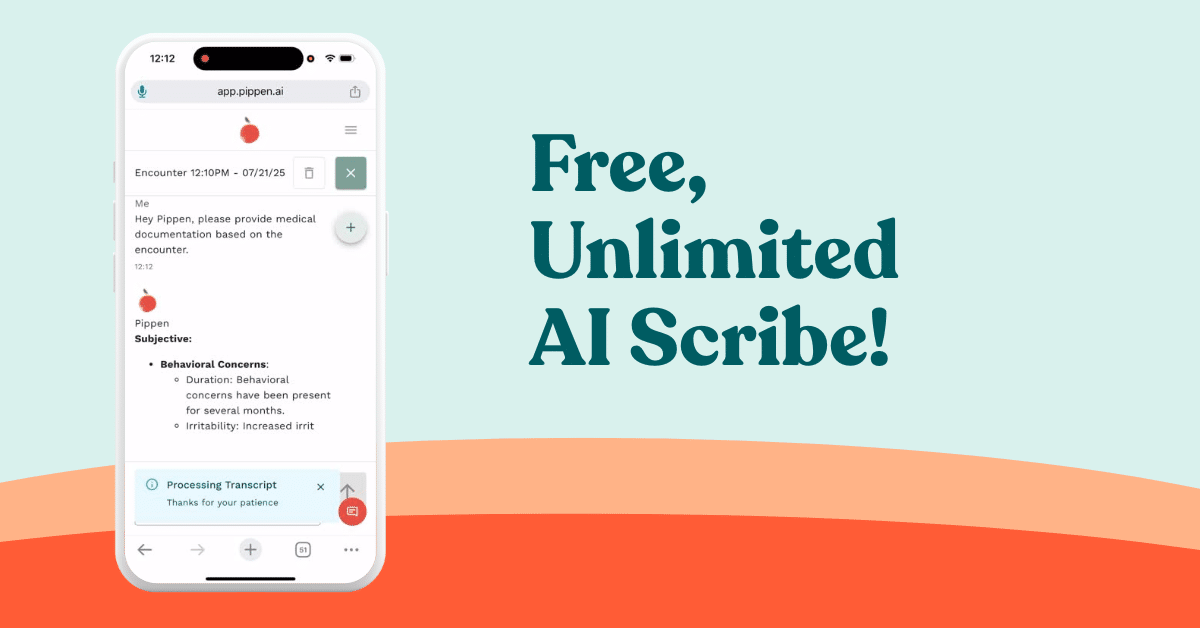
NewsPippen AI Scribe: Now Free and Unlimited for All Physicians
We built Pippen because we know what the day-to-day of family medicine really looks like: packed schedules, growing documentation demands, and not enough time to get it all done—let alone rest. For the past year, we’ve been talking to family doctors, onboarding clinics, showing doctors how they c...
 Feature 101
Why New Doctors Still Choose Family Medicine in Canada
I still remember AJ in residency—back when TikTok didn’t exist, the EMRs were more or less the same, and somehow, we all had a little more hope. AJ (Pippen AI’s co-founder) is the kind of person who made you believe family medicine could be a calling, not just a career. I still remember AJ rankin...
- News
AI Scribe Program Canada: Free Licenses for Primary Care Clinicians
June 10, 2025 Canada Health Infoway’s AI Scribe Program is now accepting registrations from eligible primary care clinicians across Canada. This national initiative provides up to 10,000 fully funded, one-year licenses for pre-qualified AI-powered documentation tools that help reduce administrati...
 News
NewsSign Up for the Canada Health Infoway AI Scribe Program
Registration only takes 1 minute! If you’re an existing user with Pippen, here’s how to determine your eligibility and sign up for the Canada Health Infoway AI Scribe Program. Be sure to visit https://aiscribe.infoway-inforoute.ca/ for more details on the program, including FAQs. 1. Visit Canada...
 News
NewsNew Guide Helps Family Doctors Streamline Their Clinics and Reclaim Time with Proven Digital Health Strategies
What if you could cut down on unnecessary appointments, reduce overhead, and reclaim hours each week, without burning out or reinventing the wheel? Dr. Amjed Kadhim-Saleh (AJ) and Dr. Mary Aglipay, founders of Vivo Family Medicine, are proud to release a free, actionable guide: “Transform Your Fa...
 News
NewsInside the Modern Clinic: Thriving in 2025
📅 June 5, 2025 | 🕒 7:00PM ET 📍Zoom Running a clinic in 2025 is no small feat — but it doesn’t have to feel like a daily scramble to survive. Join us for a powerful session exploring how Ontario clinics can adopt modern tools to reclaim their time, reduce admin burden, and unlock new […]
 Workflows
How to Use Pippen for CRA Disability Tax Credit Forms
Pippen is more than just a scribe! In this tutorial, we will be going through how to use Pippen’s features to fill in a CRA Tax Disability Credit Form, addressing the entire workflow beyond scribing. Case (hypothetical example): Meet Jamie, a 33 year old who has been living with treatment-resista...
- News
Why We Built Pippen: A Founder’s Story
It was either build a company or keep letting paperwork chip away at our evenings, our weekends, our sense of balance. So, we built the thing. In June 2023, AJ (who happens to be my husband) and I made a decision that felt equal parts naïve and necessary: we started a tech company. Not for […]
 News
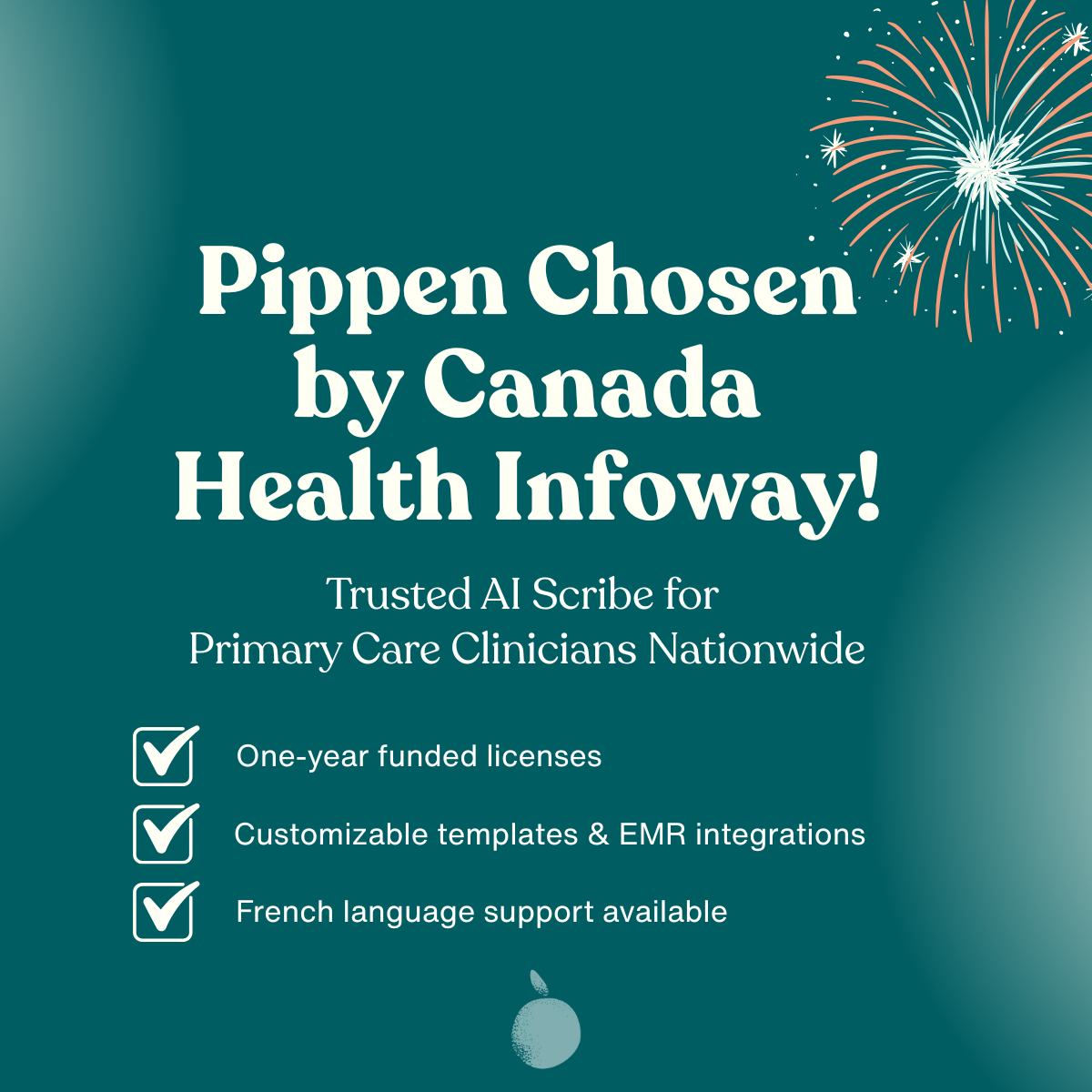
NewsCanada Health Infoway Chooses Pippen AI for National Scribe Initiative
May 7, 2025 We’re excited to share that Pippen AI has been selected as one of pre-qualified vendors for Canada Health Infoway’s AI Scribe Program, a national initiative that provides eligible primary care clinicians across Canada with access to fully funded, AI-powered documentation tools. The AI...
 News
NewsPippen Chrome Extension: AI Scribe in Your EMR
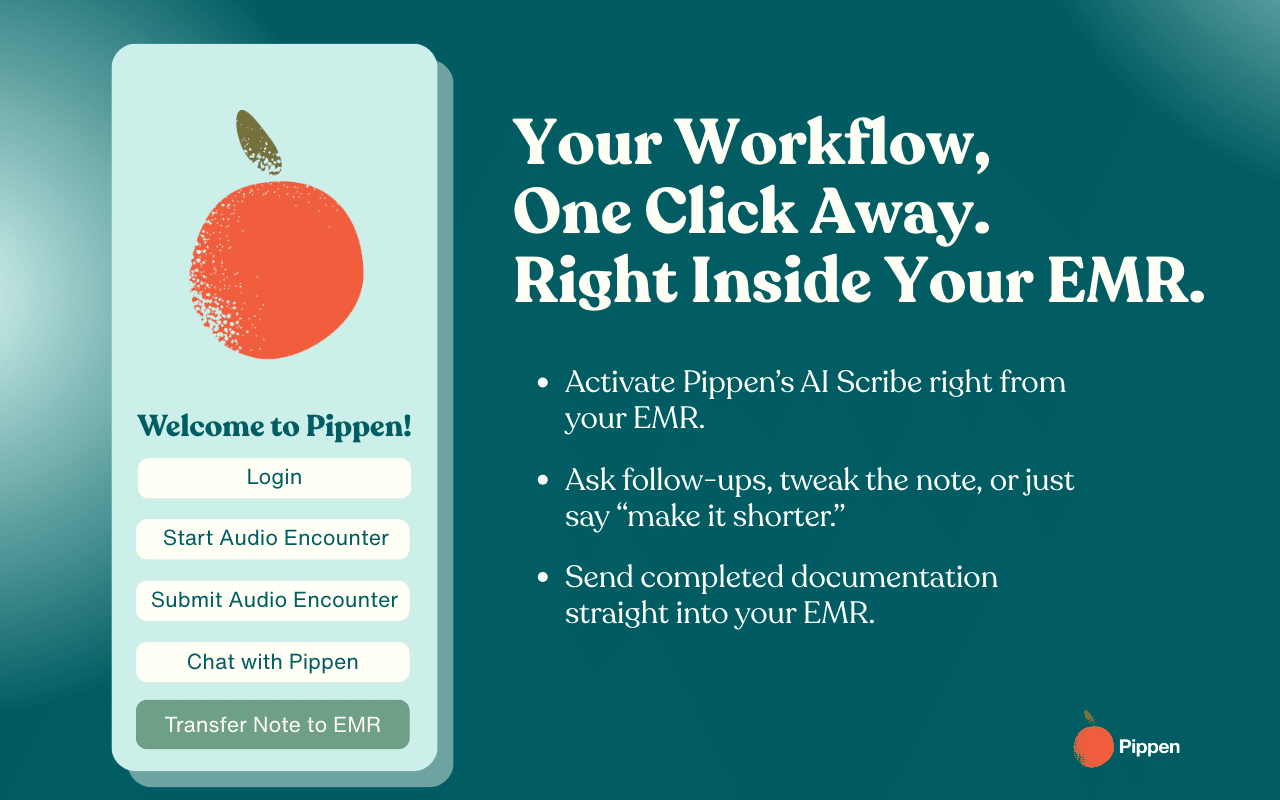
Today, we’re thrilled to announce the launch of the Pippen Chrome Extension, bringing the full power of our AI physician assistant right into your browser-based EMR.* It’s everything you love about Pippen—real-time scribing, referral letter generation, billing optimization, and clinical insights—...
 Feature 101
Setting Personalized Templates in Pippen: A Step-by-Step Guide
Pippen’s customizations makes it easy to create templates of your choice- whether it be for video visits, counseling, well-child visits, and more. In this guide, we will cover how to use Pippen to set up templates of your own. With Pippen’s Premium Plan, you can add an unlimited number of templat...
 Workflows
Getting Started with Pippen: Templates & Global Customizations
So you’ve successfully onboarded with Pippen, amazing. Not quite there? To access a 5 minute Getting Started demo, click here. Here are some sample global style customizations and templates to get you started. Scroll down to access Global Style Customization samples, or the following templates: F...
 Feature 101
Pippen AI: Smarter, Simpler, and Better for Patient Care
At Pippen we know that every moment you spend on documentation and workflow navigation is a moment away from patient care. That’s why we’ve made major improvements to streamline your experience–so you can focus on what matters most: your patients. Starting today, you’ll notice a faster, more intu...
 FAQ
FAQHow to Edit and Save Templates in Pippen
How does Pippen allow users to edit existing templates and save their modifications? Pippen allows users to easily edit existing templates by modifying the content directly within the platform. Once the changes are made, users can save the updated templates for future use, ensuring personalized a...
 FAQ
FAQEMR/EHR Integrations
Is Pippen integrated into EMR/EHRs? Yes! Pippen is integrated with major EMRs (app and browser based). Interested in integrating? Reach out here. The physician always retains control, with AI providing support, but the final decisions and review are made by the physician. Want to ask the team? Cl...
 FAQ
FAQPippen Encryption Standards: End-to-End Patient Data Security
What are Pippen’s encryption standards? We follow industry-standard encryption protocols to ensure your data is secure both during transmission and storage. Yes, our solution uses end-to-end encryption, protecting your information throughout its journey—from the moment it leaves your device until...
 FAQ
FAQHow to Favourite Templates in Pippen for Faster Notes
How do you favourite templates? Pippen allows users to set preferences by saving their most frequently used templates as favorites. Physicians can easily access and apply these preferred templates during clinical encounters, ensuring a streamlined workflow and quick note creation. Read our blog h...
 FAQ
FAQHow Pippen Filters Unrelated Content for Accurate Notes
How does Pippen filter out unrelated content during a clinical encounter? Pippen intelligently filters out unrelated content by focusing on the clinical dialogue, ensuring that only pertinent information related to the patient’s health is captured, while disregarding other discussions. That said,...
 FAQ
FAQReal-Time Transcription with Pippen: How It Works
How does Pippen generate transcriptions of encounters real-time? Pippen uses advanced technology to transcribe clinical encounters in near real-time, ensuring that as the conversation happens, it’s instantly converted into text, as long as there’s seamless internet connectivity. This applies to i...
 FAQ
FAQHow Pippen Prevents Hallucinations in Clinical Transcriptions
How does Pippen address the risk of hallucinations in clinical transcriptions? Pippen actively monitors and detects hallucinations by using advanced algorithms and ongoing training of the AI model to improve accuracy. Regular audits, user feedback, and continuous model updates help mitigate any h...
 FAQ
FAQReviewing Past Notes in Pippen: Search & History Features
How can a physician review past notes? Physicians can easily access historical transcriptions within the timeframe they keep up to date with their records. They can search for specific conversations, keywords like diagnoses, or the way their identify the encounter name eg. patient initials. All t...
 FAQ
FAQWhat Languages Can Pippen Support?
What languages can Pippen support? Pippen supports multiple languages, allowing for clearer, more personal communication with patients. We currently support 7 languages, including English, French, Spanish, Cantonese, Mandarin, Korean, and Hindi with more coming soon. Please see our latest product...
 FAQ
FAQManaging Multiple Patient Sessions with Pippen
How does Pippen allow the physician to start a new session while keeping the original session active? Pippen allows the Physician to start a new session without interrupting the existing one, enabling them to manage multiple patient encounters at the same time. Transcriptions are auto-saved in re...
 FAQ
FAQMultiple Speakers
How Pippen Differentiates Between Multiple Speakers Today, health care documentation is about more than just keeping records—it’s about accurately capturing the patient conversations shared during every consultation. This includes nuances, emotions, and medical details that can easily get lost wh...
 FAQ
FAQPippen Onboarding: Training, Guides & Support for Physicians
How does Pippen onboard physicians and their teams? Pippen provides a comprehensive onboarding process with easy-to-follow training materials and user guides. Resources include video tutorials, written guides (also available in French), and live training sessions. The team has dedicated staff ava...
 FAQ
FAQHow Pippen Supports Informed Patient Consent
How does patient consent work? Pippen automatically prompts the physician to gain informed consent at the beginning of the patient’s first encounter, with periodic reminders in future visits. It also provides guidance to encourage patients to ask questions and ensures that patients are informed a...
 Workflows
Understanding AI in Healthcare: A Patient’s Guide to Pippen
At Pippen, we believe that onboarding isn’t just about setting up a tool—it’s about building a relationship with each physician. With a customer-centric approach, we ensure that every new user feels valued, understood, and empowered to get the most out of our platform. From the moment users sign...
 FAQ
FAQSOAP Note
How Pippen Creates Clear and Compliant SOAP Notes Pippen automatically generates comprehensive medical notes in the SOAP format (Subjective, Objective, Assessment, Plan) by accurately capturing and organizing patient information into each section. It ensures the notes are clear, complete, and fol...
 FAQ
FAQDoes Pippen Support Voice-to-Text Commands?
Does Pippen support voice activated commands? Pippen supports voice-to-text input in the chat box to intelligently interpret physician commands while focusing on the patient/task at hand. For more information, read our blog here. The physician always retains control, with AI providing support, bu...
 FAQ
FAQHow Pippen Creates Clear and Compliant SOAP Notes
Pippen automatically generates comprehensive medical notes in the SOAP format (Subjective, Objective, Assessment, Plan) by accurately capturing and organizing patient information into each section. It ensures the notes are clear, complete, and follow national medical documentation standards for c...
 Feature 101
How to Use Chat with Pippen + Security 101 for Family Doctors
As we embark into 2025, we’re excited to tackle incredible feats of innovation at Pippen AI. Our mission, as always, is the continued support of family doctors with some exciting updates and opportunities for additional ways to reduce your paperwork. 🍊 How To: All the Opportunities with Chat with...
 News
NewsAI in Medicine: Key Resources for Ontario Family Physicians
As artificial intelligence (AI) continues to be integrated into medicine, it is important for family physicians in Ontario to stay informed about these developments while adhering to ethical and regulatory guidelines. This blog post will provide you with essential resources to help you navigate t...
 Workflows
Patient Onboarding
As physicians, we understand that your patients may have questions and concerns about new technologies, especially when it comes to their personal health information and care. This blog is designed as a resource for your patients to help them understand the role of AI-powered tools like Pippen in...
 News
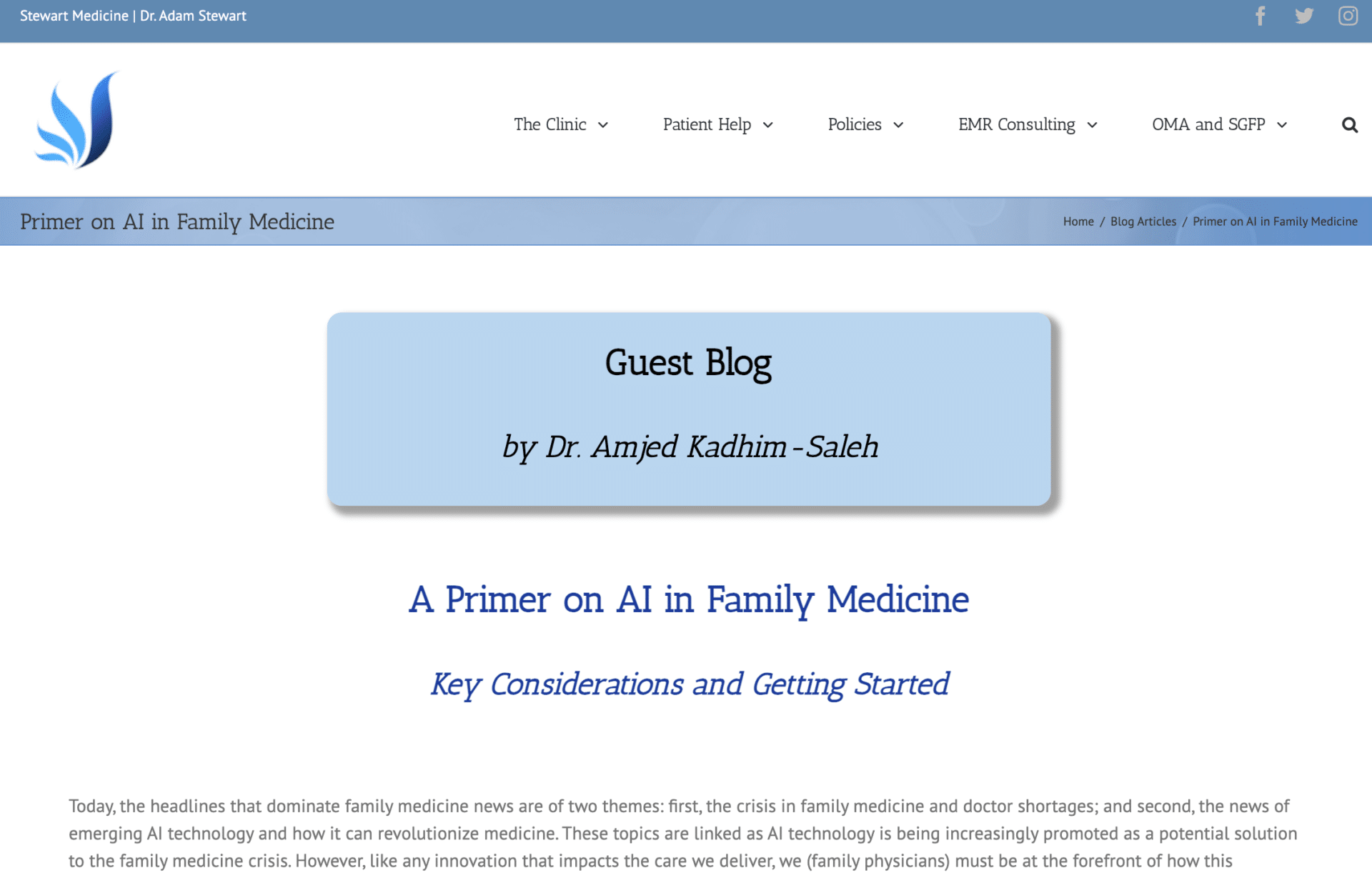
NewsCheck out Dr. Kadhim’s Guest Blog on Stewart Medicine!
Our very own Dr. AJ Kadhim wrote a guest blog on Dr. Adam Stewart’s Blog titled “A Primer on AI in Family Medicine: Key Considerations and Getting Started.” Dr. Kadhim goes over the landscape of AI in medicine and what doctors should do to ensure this innovative technology keeps their interests i...
 Feature 101
Finding Billing & Diagnostic Codes with Pippen
Welcome to Pippen, your AI-powered physician assistant. In our Mini How-To Series, we will be going through how to use Pippen’s features to address the entire family medicine workflow beyond its scribing capabilities. Today, we will cover how to use Pippen to find relevant billing and diagnostic...
 Feature 101
Using Pippen for Differential Diagnosis Insights: A Mini Guide
Welcome to Pippen, your AI-powered physician assistant. In our Mini How-To Series, we will be going through how to use Pippen’s features to address the entire family medicine workflow beyond its scribing capabilities. Today, we will cover how to use Pippen for guidance on differential diagnosis....
 Feature 101
Drafting Referral Letters with Pippen: Quick Guide
Welcome to Pippen, your AI-powered physician assistant. In our Mini How-To Series, we will be going through how to use Pippen’s features to address the entire family medicine workflow beyond its scribing capabilities. Today, we will cover how to use Pippen to draft referral letters! Our guide wil...
 Feature 101
How to Create SOAP Notes with Pippen from Draft Encounter Notes
Welcome to Pippen, your AI-powered physician assistant. In our Mini How-To Series, we will be going through how to use Pippen’s features to address the entire family medicine workflow beyond its scribing capabilities. Today, we will cover how to use Pippen to produce excellent SOAP notes from qui...
 Feature 101
Using Pippen for Treatment Option Insights: A Mini Guide
Welcome to Pippen, your AI-powered physician assistant. In our Mini How-To Series, we will be going through how to use Pippen’s features to address the entire family medicine workflow beyond its scribing capabilities. Today, we will cover how to use Pippen for guidance on treatment options. Pleas...
 FAQ
FAQObtaining consent
The CMPA has provided guidelines on how to obtain consent from patients. Before beginning the encounter, Doctors should do their best to provide a clear explanation of: Please feel free to consult your own legal team on how best to obtain consent from patients. Along with a discussion on the soft...
- FAQ
Pippen’s PIA Highlights
What is a Privacy Impact Assessment (PIA)? In the context of AI tools used in family medicine, a PIA is used to determine how an AI tool could potentially affect the privacy of patients and the healthcare provider. PIAs formally identify privacy risks, ensure compliance with legal requirements, a...
 FAQ
FAQA quick start guide to Pippen informed consent, privacy, and accuracy
Medical organizations in Canada such as the CMPA are beginning to publish guidelines on how physicians should approach AI tools in their own practice. Here is a quick start guide on how Pippen aligns with the CMPA guidelines and how physicians might inform their patients about Pippen’s use. Trans...
 News
NewsCMPA Insights: Key Considerations for Physicians Using AI Tools
Getting to the bottom of it- summarizing the CMPA’s online documentation on the use of AI Key takeaways Key Considerations from the CMPA Artificial intelligence (AI) continues to become increasingly integrated into healthcare. The CMPA has begun to offer guidance on important considerations for c...
 Workflows
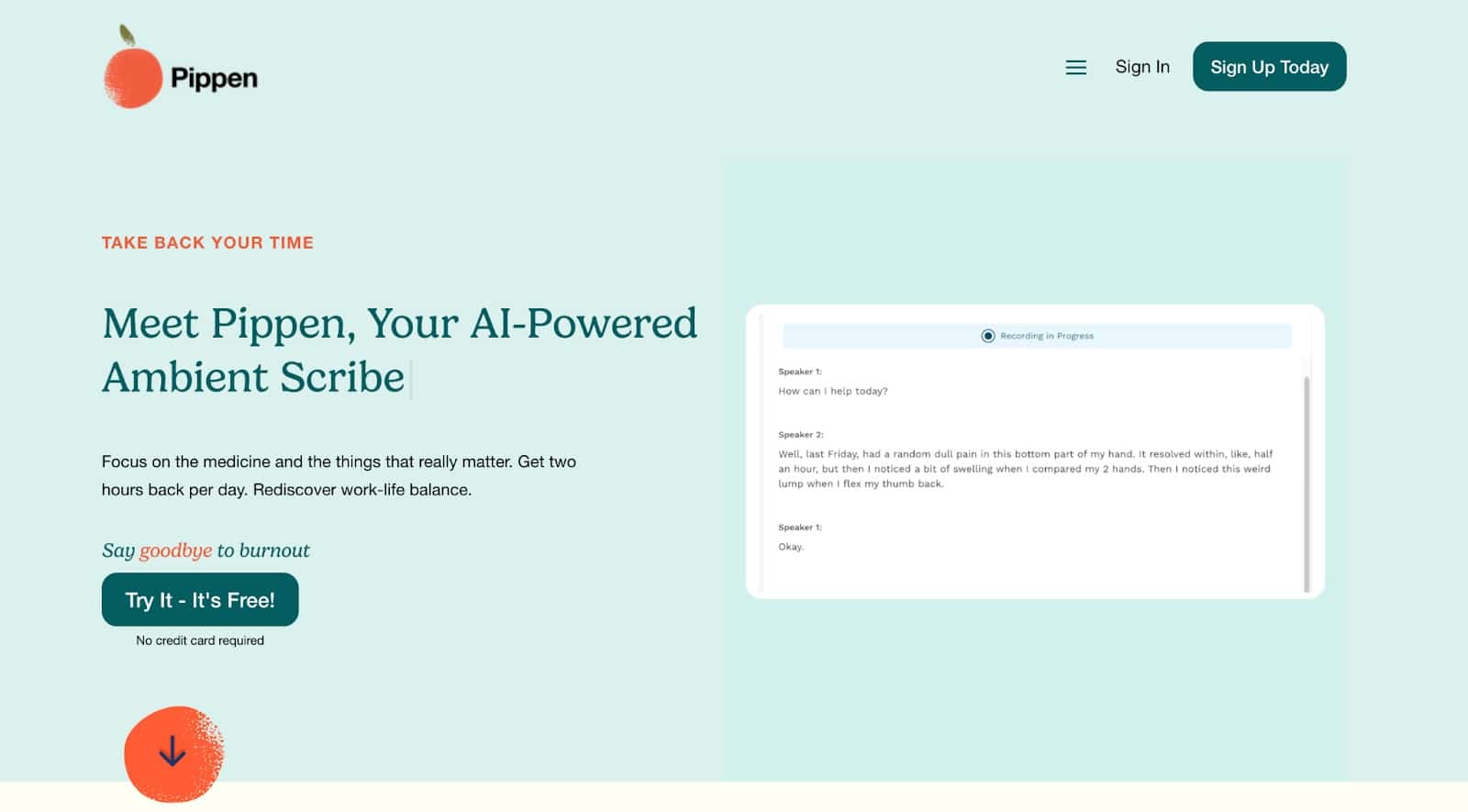
Get Started with Pippen in 3 Easy Steps
It is so easy to get started with Pippen and introduce AI to your clinical workflows! Below we will walk you through the sign up process, microphone enabling and selection, and signage and consent. — Step 1: Sign Up! Go to pippen.ai Click on Sign Up Today! Near the top. Here all you need […]
 Workflows
Pippen AI: Features, Benefits & How to Use in Family Medicine
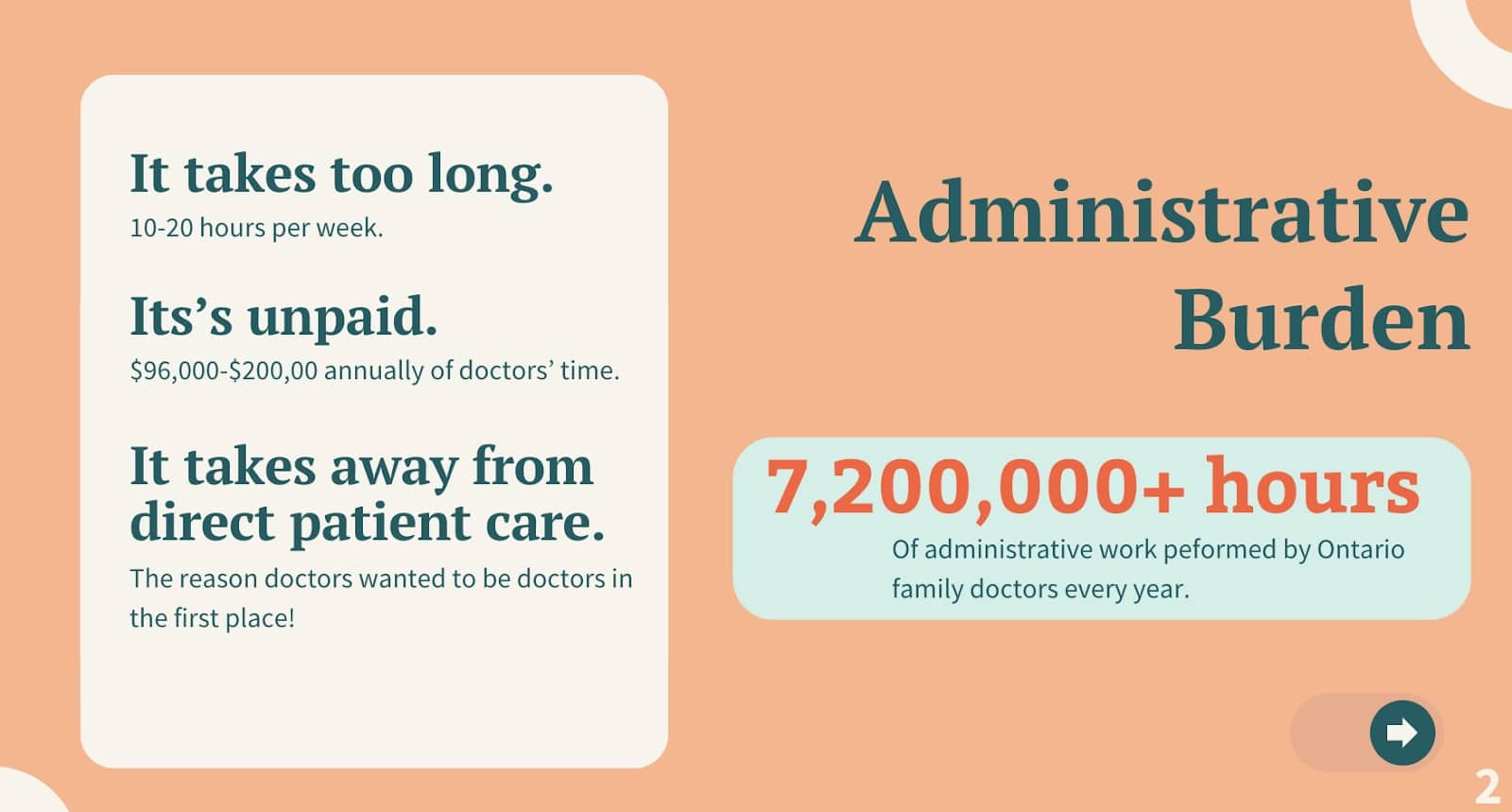
I. What are some benefits of using Pippen? Welcome to Pippen, your AI-powered physician assistant. Pippen helps with the paperwork and administrative burden clinicians face, which can take up to 10 to 20 hours per week of unpaid time. This costs family doctors anywhere from $96,000 to $200,000 ev...